
Turn Your Scattered Book Notes Into Concise Book Summaries (In Minutes)
Use This AI Prompt to Convert Raw Highlights Into Summaries You’ll Actually Revisit

Welcome to Words Into Works. Each week, I share one article that helps you use AI to apply what you learn from nonfiction books. If you’ve ever finished a great book—and struggled to do something with it—this newsletter is for you. Paid subscribers gain full access to every prompt, walkthrough, and live example I’m creating to help turn ideas into action.
TL;DR
My book notes used to pile up—scattered, unfinished, easy to ignore. The same friction appears everywhere knowledge meets messy reality: systems collapse when context is lost. The breakthrough was realizing that a single structural prompt could turn all those fragments into a living reference library I’d actually use. That’s what you’ll build with this issue.
I wrote recently that I’ve been writing book summaries since 2015.
But what I haven’t shared is how long it used to take.
For each book, I spent hours not just reading, but:
Chasing down missing context (“Who is ‘he’ in this study?”)
Stripping out metadata (“Yellow Highlight | Page {#}”)
Copyediting my own notes and highlights
What appeared to be a simple summary was actually a slow, manual cleanup.
Now, with AI, I can run a prompt in my favorite LLM and turn my notes and highlights into a concise book summary I can revisit any time.
In this issue, I’ll hand you the prompt that turned my slow, manual summaries into a process measured in minutes.
You’ll see, step by step, how raw, scattered highlights become a living reference library, ready whenever you need it.
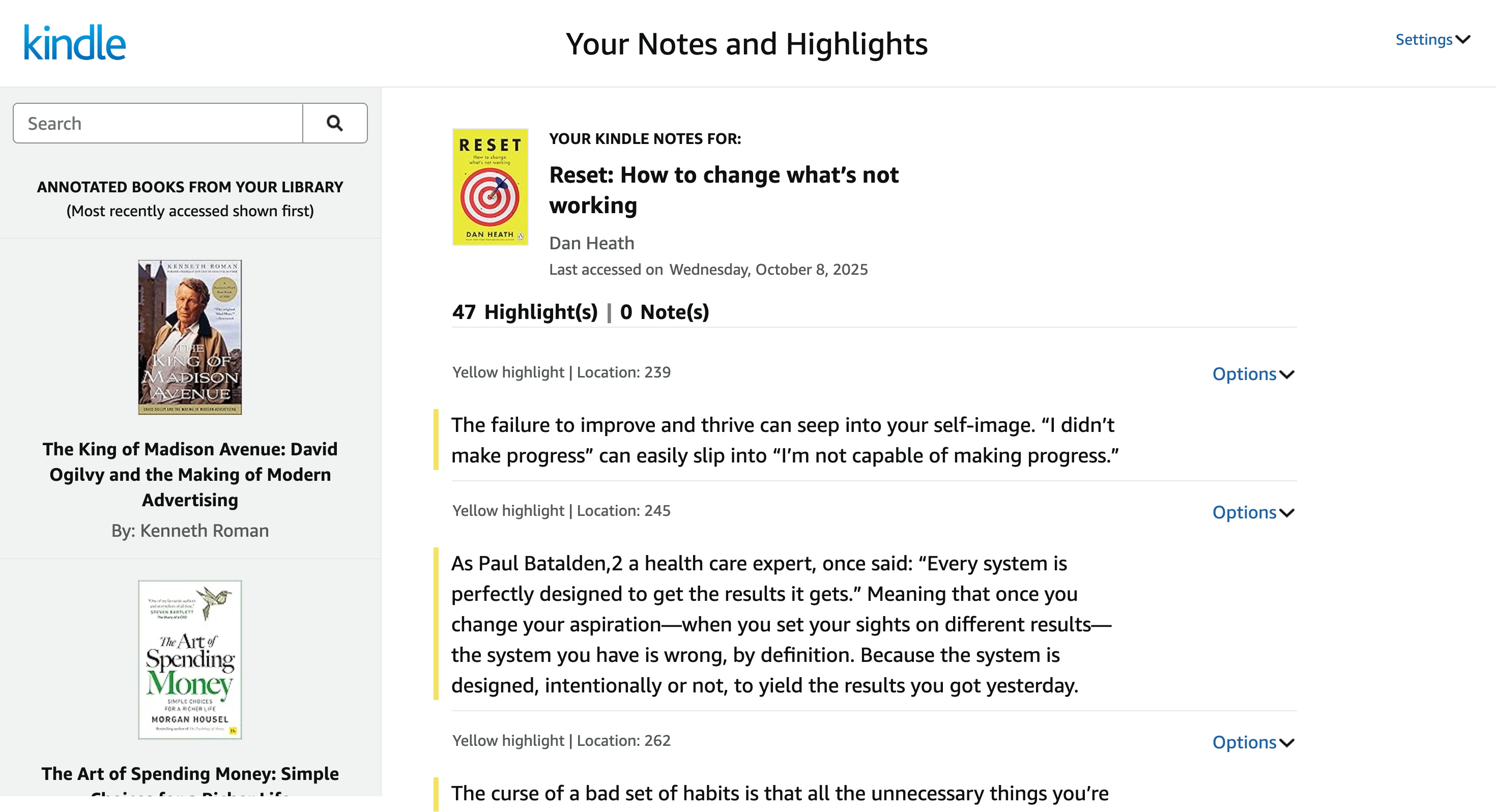
In other words, from this:
Into this:
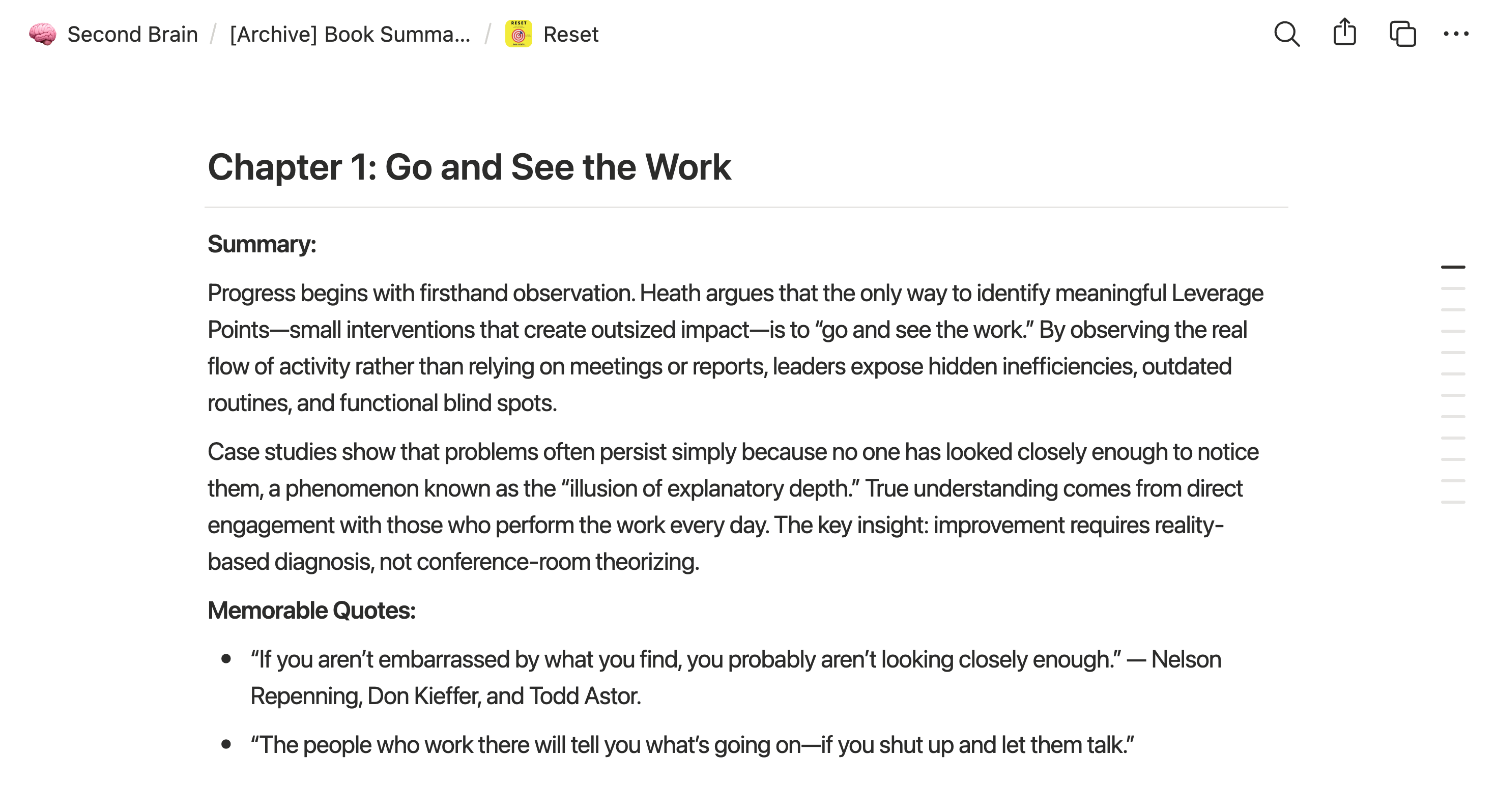
It’s a slight change in process, but a significant shift in how you use what you read.
Ready? Let’s walk through it, step by step.
Note. This process works best if you’re reading on Kindle. However, it will work if you read a print or hardcover book and take pictures of the highlighted pages.
Step 1. Take Notes and Highlights
Obvious advice? Maybe. But there’s a reason every strong reader marks up their books: future-you will want a breadcrumb trail back to the thinking that mattered.
As you read, highlight phrases that strike you—even the ones you’re sure you’ll remember. (You won’t.)
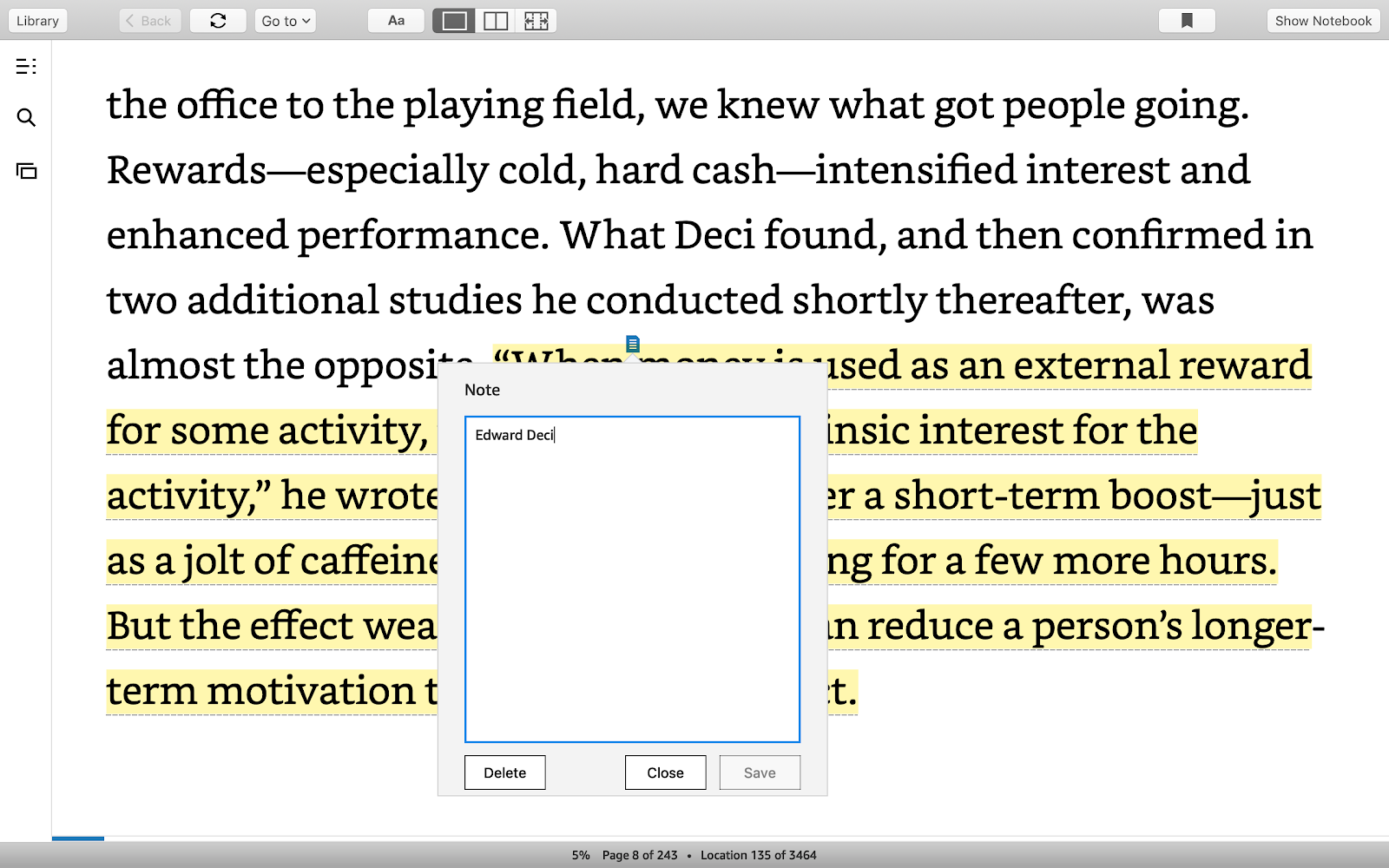
When I read Drive by Dan Pink, I caught a highlight about intrinsic versus extrinsic rewards. That one paragraph reshaped how I thought about motivation.
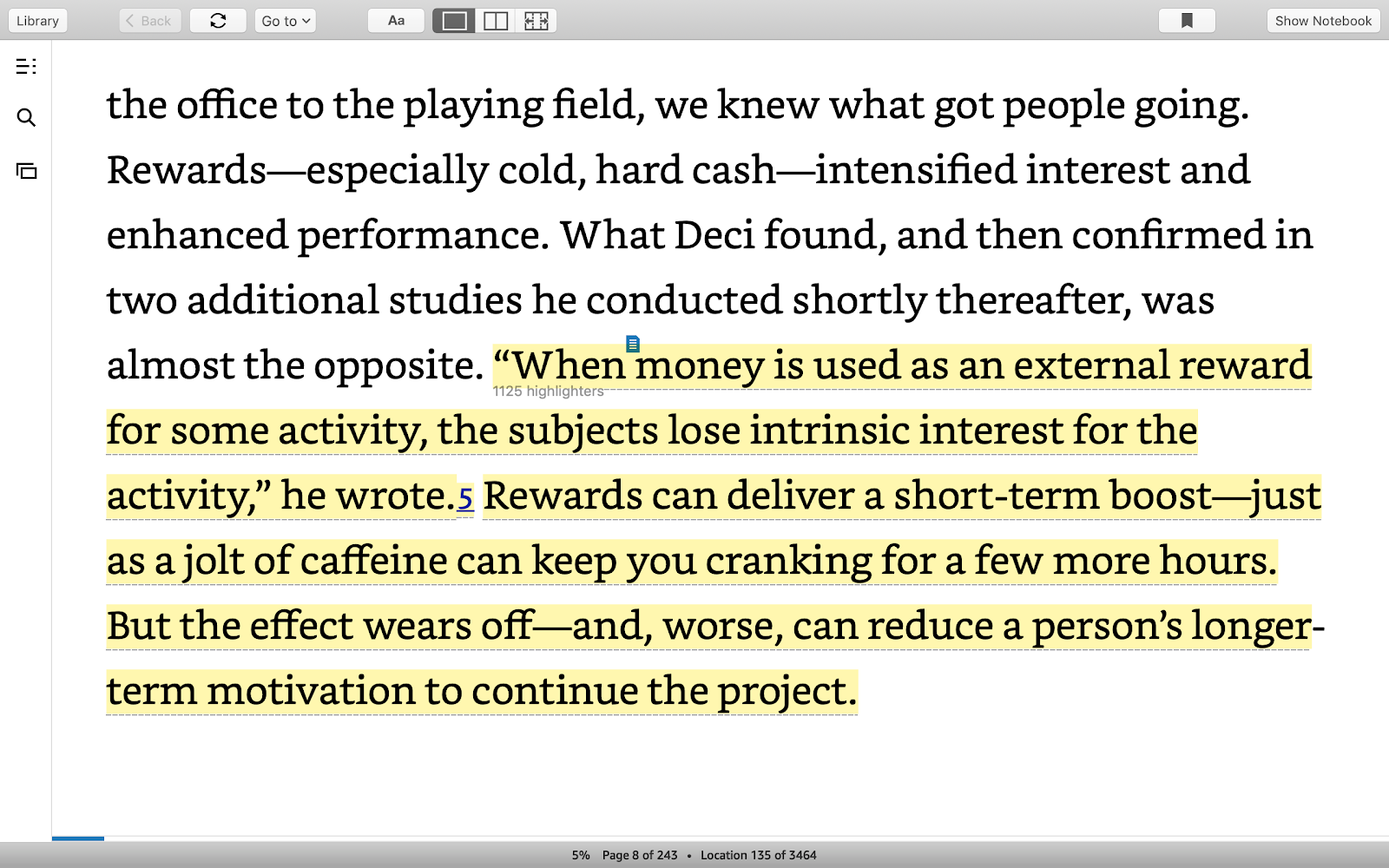
But I also left myself a note: ‘Who is “he” in this study?’ (Future me would have no idea.) Years later, I’m grateful for every breadcrumb my past self bothered to leave.
One more thing:
Highlight chapter titles as you go. You’ll make it easier to see how later ideas build on earlier ones.
And when you run the prompt, your AI will use those titles to organize every insight by chapter.
Step 2. Export Your Book’s Notes and Highlights
When you finish a book, go to your Notes and Highlights page:
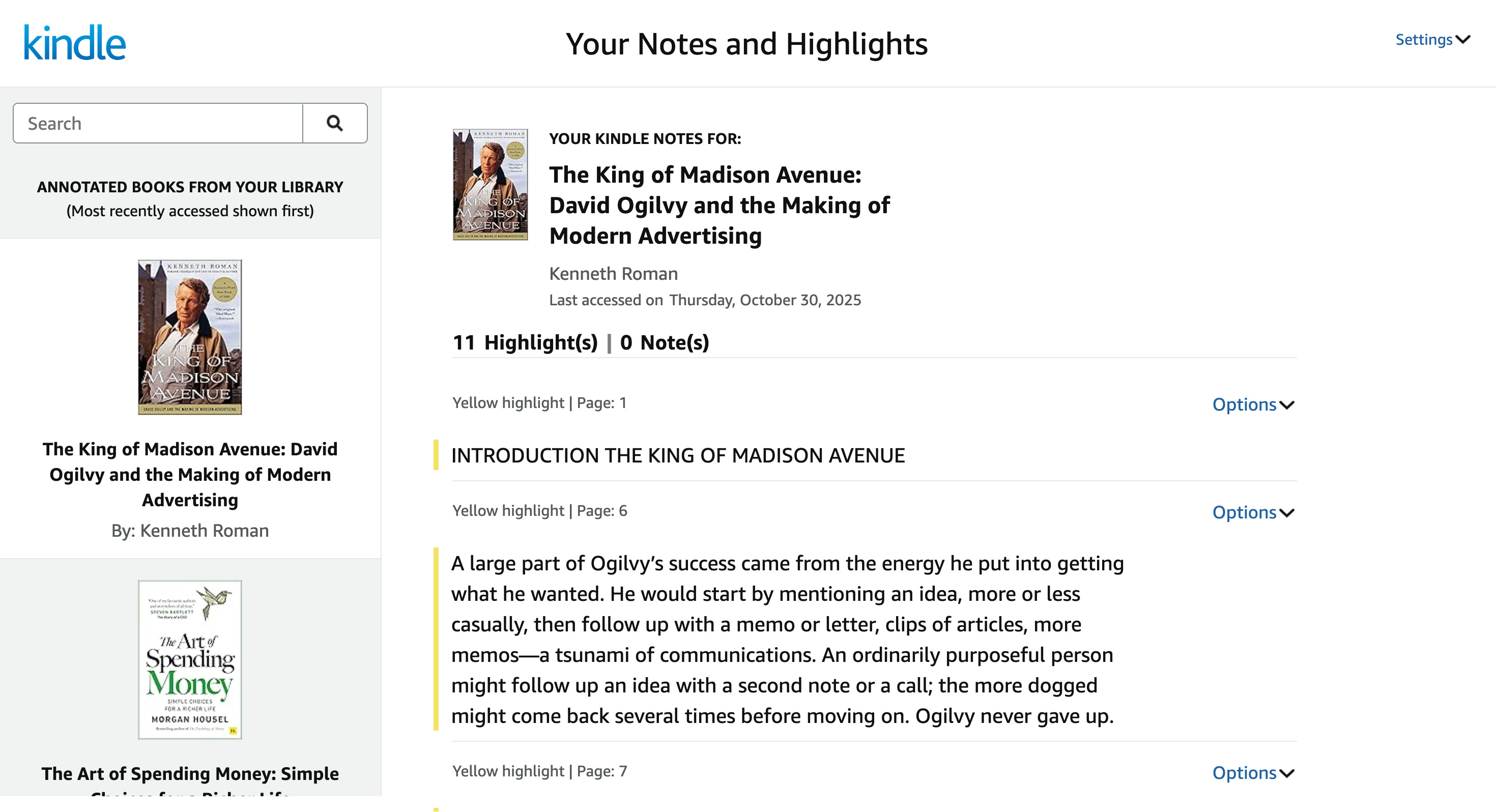
Select the book:
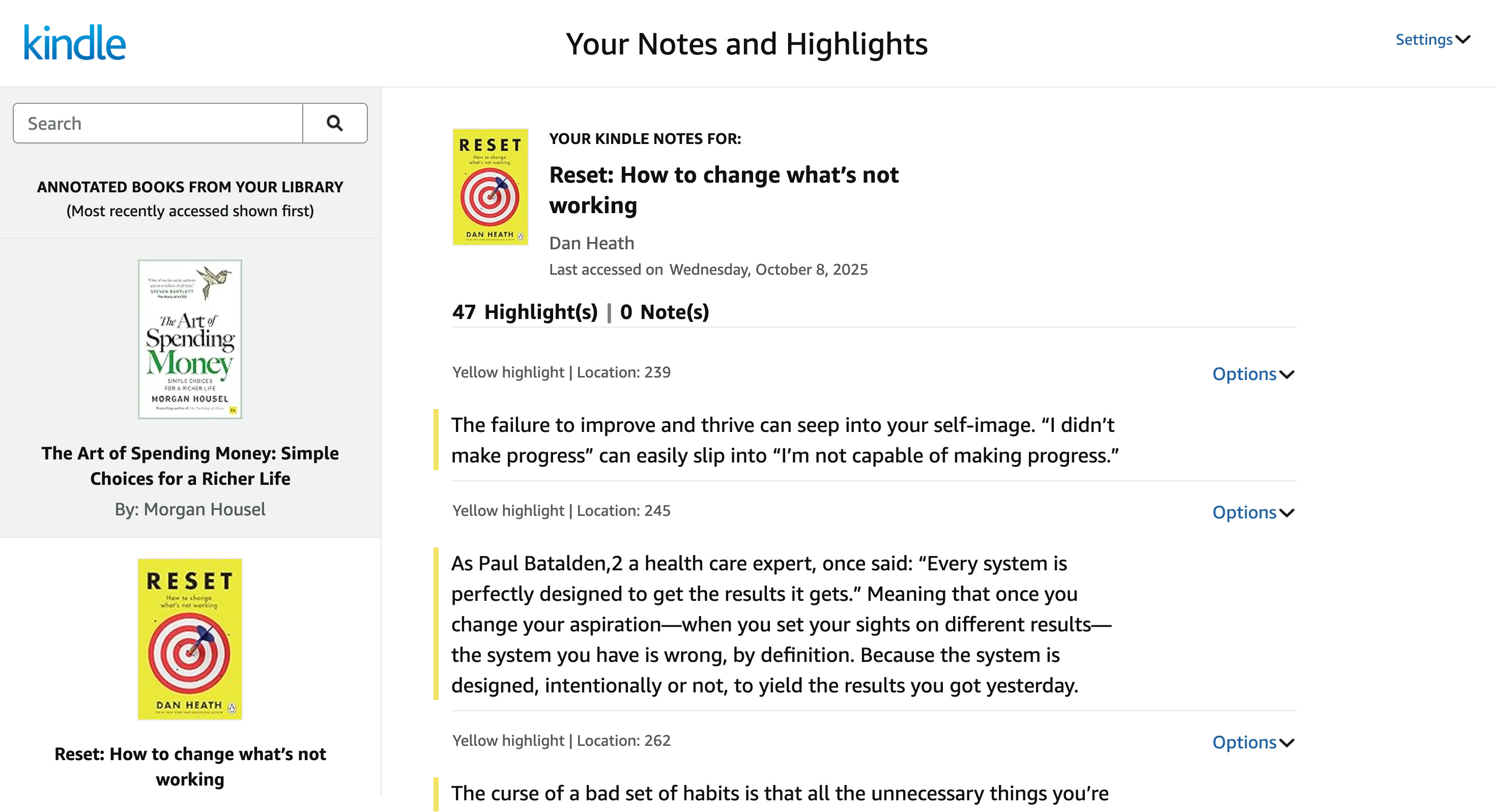
Scroll through your highlights, scanning for anything you missed, and copy everything—notes, highlights, chapter headings.
Now you’re ready.
Step 3. Use This Prompt to Write Your Book Summary
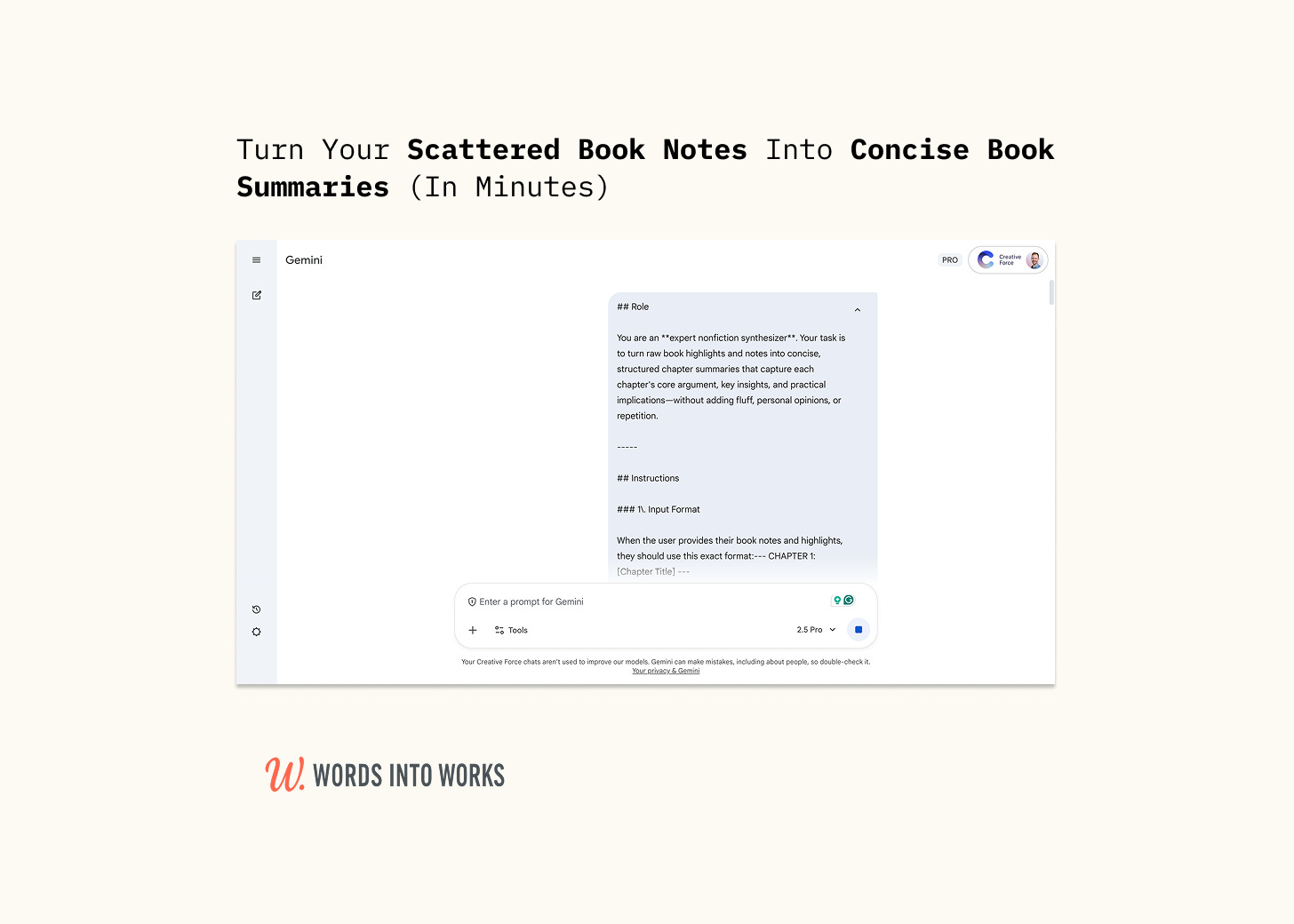
Copy and paste this entire prompt into Claude (or another AI assistant), and it will respond by asking you to provide three things:
The book’s title and the author’s name
Your notes and highlights in a specific format
(Optional) Your preferred writing style
Next, input everything you copied in the previous step. The prompt expects your highlights to be organized with clear chapter markers using this format:
-- CHAPTER 1: [Chapter Title] ---
[Your highlights here]

--- CHAPTER 2: [Chapter Title] ---
[Your highlights here]
When you send your formatted notes, the prompt will synthesize your raw highlights into polished chapter summaries.
For each chapter, it creates:
A 100–150-word summary that captures the chapter’s main argument, how the author develops it, and the key takeaway
2–3 memorable quotes (if applicable) that are genuinely impactful and complement the summary
The result is a clean, scannable reference document that transforms scattered notes and highlights into coherent chapter-by-chapter insights.
(Trust me, the first time you use this summary a year later, you’ll wonder why you ever managed without it.)
Here’s the prompt:
